
Many perspectives.
One way forward.
Ask your team what matters. Give people time to respond.
Bring progress, blockers, and decisions into one shared report.
Leera AI
Running coordinationThe invitation flow and welcome checklist are ready. The API review is the remaining decision. Maya is following up with the platform team.
Alex and Maya have responded. Jordan’s QA update is still pending.
Alex Morgan
The invitation flow is ready. Expired-link recovery is waiting on the API review.
Maya Chen
The welcome checklist is approved. I’ll confirm the API decision with the platform team.
Jordan Lee
No response received
Interactive example · Switch conversations, open Team, or try a response. No messages are sent.
The team has the answers.
Bring them into the same picture.
The detail in someone’s head. The blocker in another conversation. The decision waiting on a little context. Give those perspectives a clear place to come together, so your next discussion can start somewhere useful.
Hear from the people closest to it.
Ask the owners of the work directly. Capture the context that a status field alone can’t tell you.
Leave room for a thoughtful reply.
Participants respond in their own threads. Give people a clear question and time to work through it.
Bring a shared view to the next step.
Review the combined report, see whose input is missing, and focus the follow-up on what needs a decision.
Start with what
you need to understand.
Give the check-in a clear brief. Choose the people behind the answers. Explain the project, the questions, and what the group is working toward.
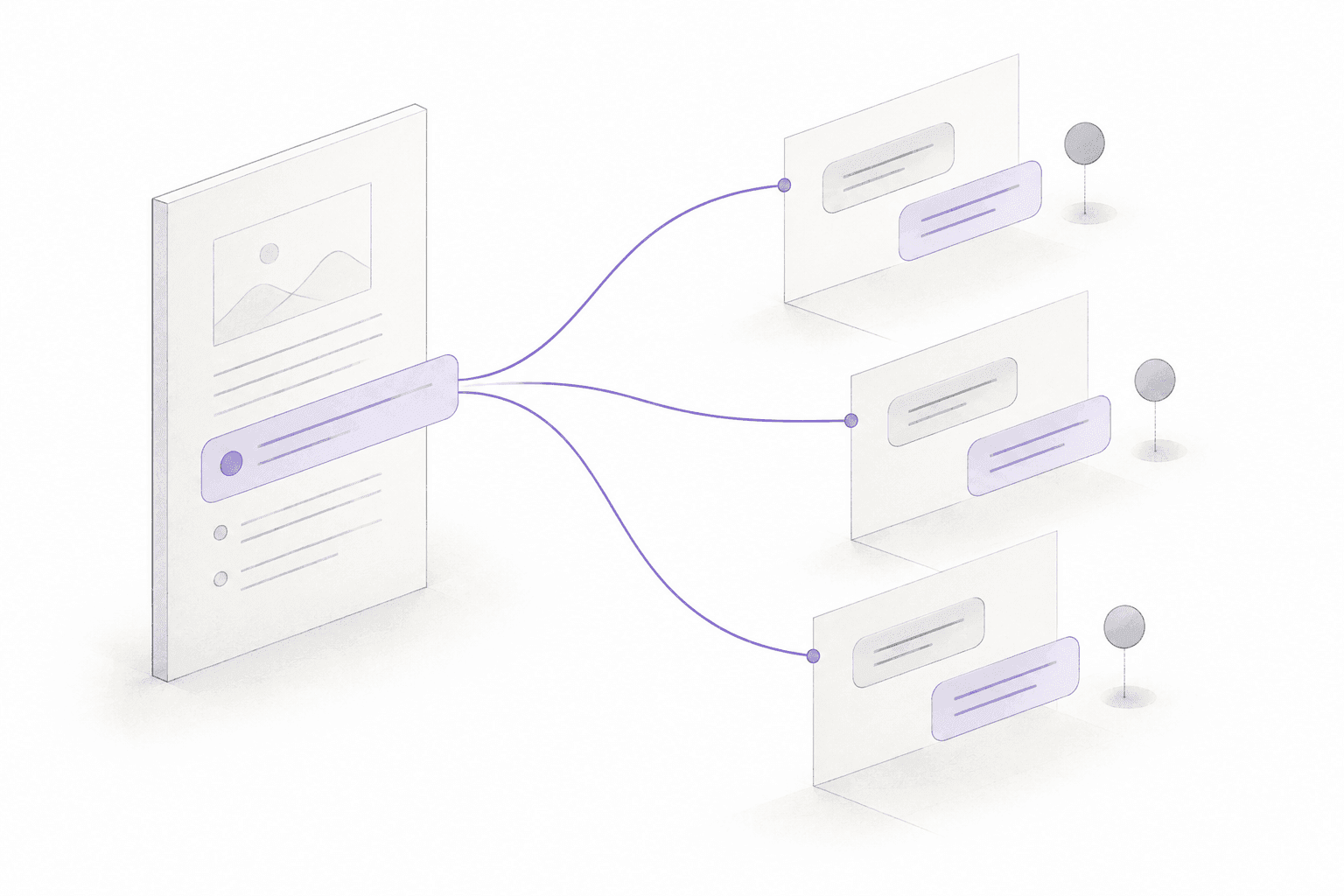 THE SAME PURPOSE. ROOM FOR DIFFERENT PERSPECTIVES.
A decision worth informing.
We’re checking readiness for the onboarding release.
Questions people can answer.
What is complete? What is blocked? What still needs a decision?
The people who know the details.
Engineering, Product, and QA—the owners of each workstream.
A good update takes more than a turn to speak. Give each person a conversation of their own, and bring the responses together when it’s time to see the whole picture.
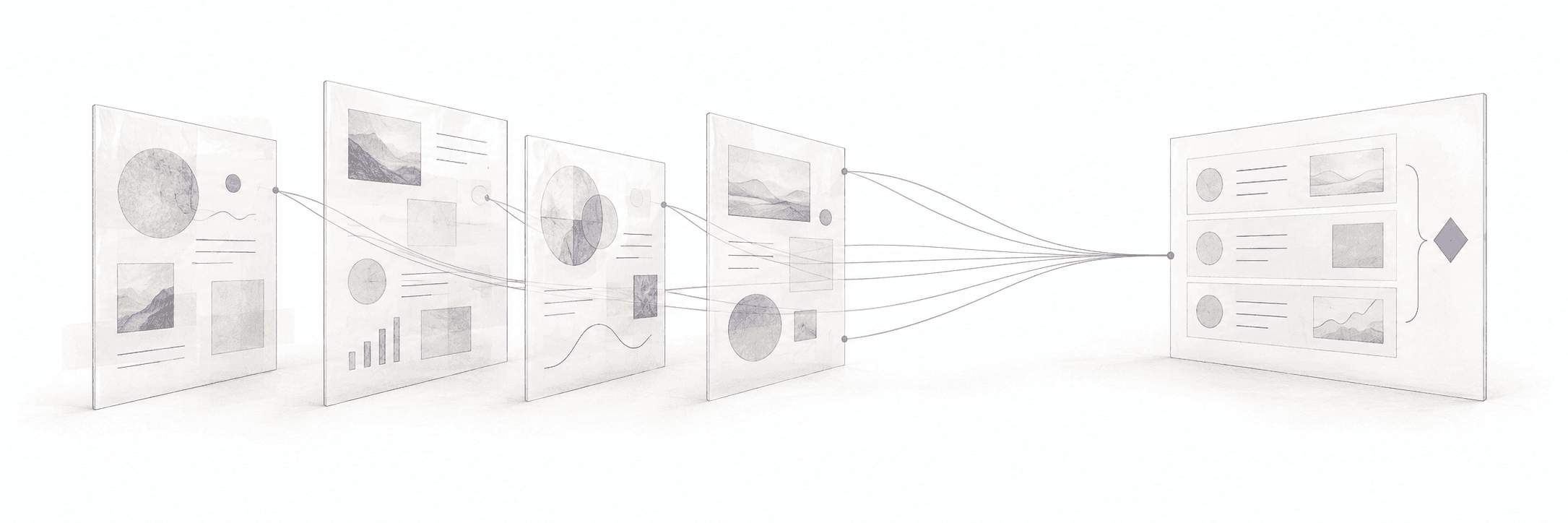
Space for the real detail.
Each participant can work through the question in context and submit an update.
Know what’s still missing.
See who has responded and which perspectives still need a follow-up.
A place to make sense of it.
Bring the submitted updates together and carry that context into the next decision.
More than an update.
A reason to get aligned.
From a morning check-in to a launch decision, start with the outcome you need. Shape the questions around the people and the work.
Start with a shared sense of the day.
Gather what moved, what’s next, and where people need help. Keep the live conversation focused on the points that need it.
A question to start with +
What changed since the last update? What are you taking on next? Is anything blocking your progress?
Bring every workstream into the decision.
Collect the product, engineering, and QA perspectives before deciding what’s ready to ship.
A question to start with +
What is ready for release? What remains unverified or blocked? Which decision do you need before launch?
Make room for a considered answer.
Give people space to reflect on the sprint. Bring their observations together before discussing what to change.
A question to start with +
What helped the team this sprint? Where did work get stuck? What is one improvement we should try next?
Find the conversation that needs to happen.
Ask the people on each side of a dependency what they’re waiting for and what would move the work forward.
A question to start with +
What are you waiting on from another team? Who owns the next step? What happens if that dependency is delayed?
Carry the context into the next working day.
Gather where work stands, what’s unresolved, and what the next person needs to pick it up.
A question to start with +
Where did you leave the work? What should happen next? Which decisions, links, or open issues does the next owner need?
Give the status a little more perspective.
Bring workstream updates into one review of progress, risks, and decisions for the next project conversation.
A question to start with +
What progress matters most this week? Which risks have changed? What decision or support do you need from the group?
Everyone’s update.
The team’s next move.
Read the combined report for progress, blockers, and open decisions. Keep missing responses visible, and bring the right people into the follow-up.
A smoother beginning.
Engineering has the invitation flow ready. Product has approved the welcome checklist.
Alex · Engineering / Maya · ProductOne decision still connects the work.
The API review is holding up expired-link recovery. QA will recheck once the decision is confirmed.
Maya · Product / Jordan · QABring the right owners together.
Confirm the API decision with Product and the platform team, then return to the release check with QA.
Suggested next conversationKeep the context.
Focus the follow-up.
When the team’s updates are in one place, the next conversation has a starting point. Discuss the blocker with its owner. Resolve the open decision. Check what changed before the next readiness review.
- Return to each person’s submitted perspective.
- Keep unanswered questions in view.
- Use the shared report as context for the next check-in.
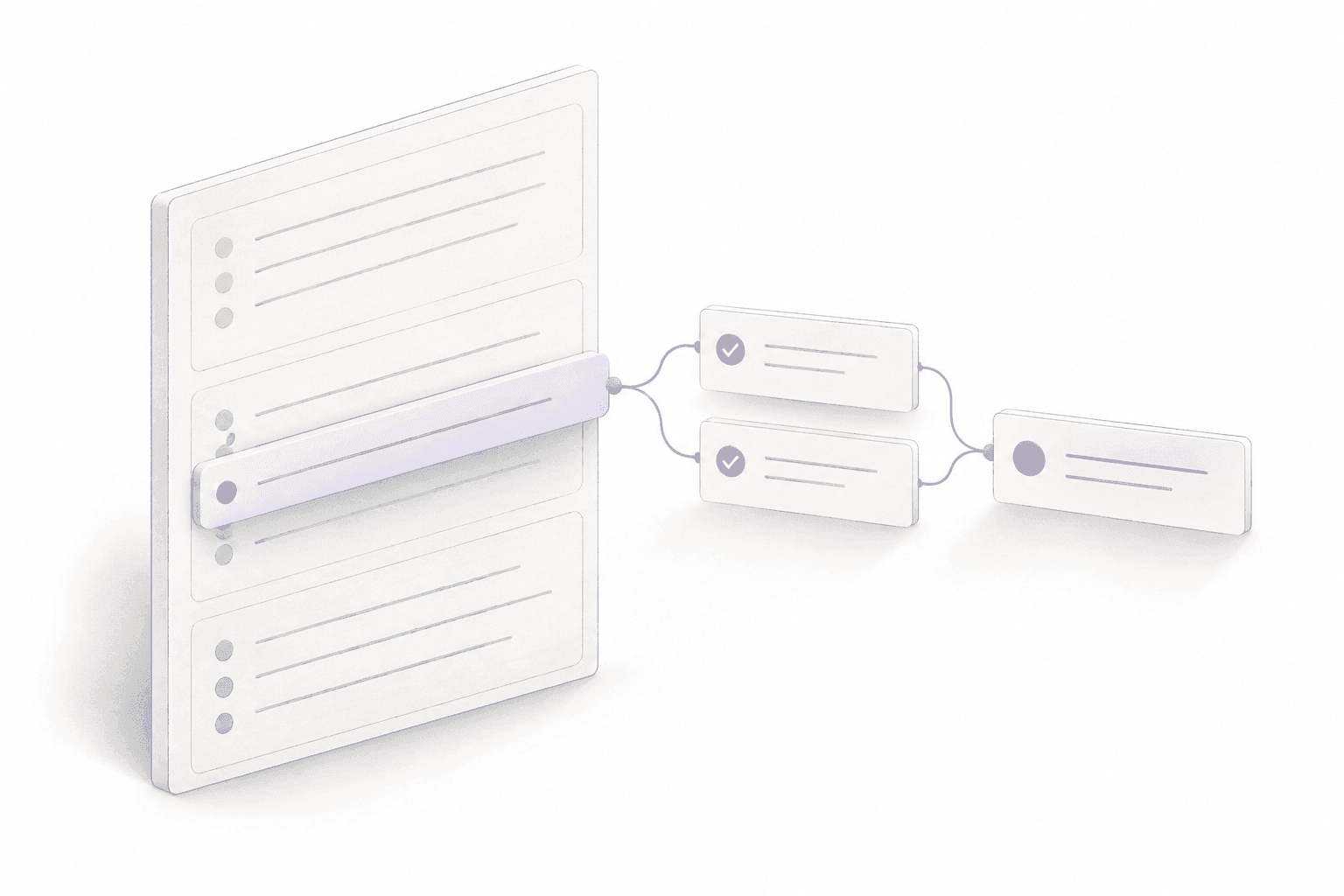 FROM A SHARED VIEW TO A FOCUSED NEXT STEP.
Plans change.
Keep the check-in relevant.
A release moves. Ownership changes. A question needs a different group. Pause the task, adjust the participants, and resume when the direction is clear.
Choose the right participants.Add or remove people while the task is a draft or paused.
Set the pace of the conversation.Activate, pause, or resume as the situation changes.
Know when the task has served its purpose.Cancel a check-in that’s no longer needed.
Keep the conversation moving.
Pause the example to adjust the participants.
Try the controls · This example stays on the page.
A little preparation.
A more useful shared view.
Give the task a clear purpose.
Choose the participants and write the questions with enough context for a useful reply.
Activate it. Give people space.
Let participants work in their own threads and submit their updates. Follow participation as responses arrive.
Read together. Move forward.
Review the combined report, note the missing input, and focus the next conversation on the decisions.
Think it through with AI.
Explore the project, shape a question, and find the context behind your next decision.
Explore leera AIPut the routine on repeat.
Give recurring project checks an objective and a schedule of their own.
Meet leera AgentsSee another side of the work.
Explore project data through reports and charts that put progress in perspective.
Explore reports & chartsThe practical details
A little more clarity.
What is Leera Coordination?+
Coordination brings individual team updates into one shared report. Create a task with a clear purpose, choose the participants, and activate the check-in. Each person can respond in their own thread. Follow participation, review the combined responses, and use the report to focus the next conversation.
What kinds of check-ins can we run?+
Use coordination for daily progress, launch readiness, retrospectives, cross-team dependencies, handoffs, and project reviews. Keep the questions focused on the decision you need to make, and choose the people who know the details.
How do participants submit their updates?+
Participants work in their own conversation threads. The response bar lets them write and submit a summary, which marks their response complete. They can still use the thread for follow-up questions after submitting.
Can we see who has not responded?+
Yes. Participation status shows which people have responded and which updates are still outstanding. Coordination reports also retain missing-response information, so you can see where the shared view is incomplete.
Can we change participants after creating the task?+
Yes. The task initiator can add or remove participants while the task is a draft or paused. Pause an active task to adjust who is involved, then resume when the group is ready to continue.
Can a coordination task be paused?+
Yes. You can pause, resume, or cancel a coordination task. Use those controls when a release is rescheduled or the team needs to revise the questions before collecting more responses.
How does Coordination work alongside AI Agents?+
Coordination is useful when you need people’s perspectives: what changed, what is blocked, and what they need from the team. AI Agents handle focused recurring project assignments on a schedule. Use the workflow that fits the source of the answer you need.
Does the example on this page message my team?+
No. The launch check-in, example update, shared report, and participant controls use illustrative data that stays on this page. Trying them does not send a message or change your workspace. Open Leera to create a real coordination task.
Bring the perspectives together.Give the team a way forward.
Start with one question worth asking.
Bring the right people into the answer.