
AI development / Software testing / Release management
Testing AI-generated code: a release checklist with evidence
Review and test AI-generated code with a practical release checklist covering requirements, permissions, failures, regression checks, and recorded evidence.
At a glance
Test AI-generated code against agreed behavior and real risks, then preserve the execution evidence. Review the change, check critical boundaries independently, run suitable automated and manual checks, and identify missing coverage. AI-written tests and a green pipeline are inputs to the release decision, not substitutes for it.
Testing AI-generated code starts with the behavior the product should have. The author of a change does not alter the acceptance criteria: permitted actions should work, forbidden actions should fail safely, important existing behavior should remain intact, and the release decision should rest on recorded evidence.
AI can help produce code and test ideas quickly. That makes review of assumptions especially useful. A plausible implementation and a matching test suite can agree with each other while both disagree with the requirement.
This guide provides a release checklist using an illustrative CSV export feature in an imaginary project application. The scenarios are proposed checks, not results from testing Leera or a claim that Leera provides this export workflow. Adapt the depth of review to the consequence of a failure.
Establish the behavior before reviewing the generated tests
The example requirement is to let an authorized project member export the records visible to that member in one selected project. The export must include all matching records, preserve valid CSV structure, and report failure without presenting a partial file as a complete export.
Several decisions need clarification before implementation. Which fields are exportable? Does the user need a dedicated permission? What happens if access is revoked during generation? How should the product handle spreadsheet formula interpretation in user-entered text? The team must define those policies rather than allowing the coding assistant to choose them accidentally.
Write expected behavior in an issue or brief and have a reviewer identify the consequential checks before inspecting the assistant’s proposed tests. This independent pass helps surface assumptions that otherwise disappear into familiar-looking test code.
For our example, the highest-impact question is whether a request can expose another project’s records. Correct button styling matters, but it should not consume the same review attention as the data access boundary.
Review the actual change and its dependencies
Read the diff, including configuration and dependency changes. Trace how the request identifies the user and project, selects fields, fetches records, generates the file, and reports completion. Inspect any path that bypasses existing authorization or storage helpers.
Look for scope added without a requirement: a new package for a small formatting task, a broad permission to avoid a failing check, or a fallback that returns data when the intended filter fails. Ask why the change needs each new dependency and verify that it exists, is appropriate, and fits the project’s maintenance and licensing requirements.
The NIST Secure Software Development Framework describes practices that can be integrated into a development lifecycle to reduce software vulnerability risk. Use that lifecycle perspective here: review, testing, dependency handling, and release response support one another. A generated test suite is one part of the work.
Keep the change small enough to understand. If the assistant refactors unrelated permission code while implementing export, separate that work or explain why it is necessary before expanding the review scope.
Select tests by the failure they would detect
Choose checks at the layer where they can reliably expose the problem. A formatting function can be tested directly. An access decision needs a test that reaches the actual boundary. A complete download interaction may need an integration or browser check.
| Risk in the example | Proposed check | Useful evidence |
|---|---|---|
| Records from another project are included | Request export with an identity lacking access to that project | Denied response and no disclosed records |
| Only the first page is exported | Use a controlled dataset larger than one fetch page | Expected and exported record identifiers match |
| Values corrupt CSV columns | Include approved fixtures with commas, quotes, and newlines | Parsed output preserves the expected fields |
| Sensitive fields are added unintentionally | Compare output fields with the agreed allowlist | Header and row assertions |
| Mid-operation failure looks successful | Exercise the documented failure path in a test environment | Clear failure outcome without a misleading complete file |
| Existing list behavior changes | Run focused checks around the shared query path | Relevant regression results for the candidate build |
These checks require explicit expected behavior. For example, spreadsheet formula handling needs a documented product policy and suitable fixtures. Escaping a comma alone does not answer that security question.
The OWASP Web Security Testing Guide provides a reference for web testing areas including authorization and input handling. Use relevant sections to challenge the plan; passing the table above is not a complete security assessment.
Check whether generated tests can catch a real mistake
Inspect assertions as carefully as setup. A test that checks only a successful status code cannot prove the exported file contains the right records. A mock that always returns the expected project’s rows can conceal a missing project filter in the actual query.
For consequential behavior, include a representative check with realistic integration boundaries. In this example, create controlled records in two projects and verify that exporting one cannot return the other’s records. Do that in an authorized test environment with synthetic data.
Where appropriate, confirm that a small known defect makes the relevant test fail. For example, temporarily removing a filter in an isolated test branch should cause the scope check to fail. Restore the implementation afterward. If the test stays green, inspect whether it reaches the code path or merely tests its mock.
This technique is most useful for important invariants and doubtful tests. There is no need to introduce a large mutation-testing program for every low-impact copy change. The purpose is confidence that an assertion detects the failure it claims to cover.
Keep AI assistance bounded during verification
Ask an assistant to explain what the existing checks prove and which requirements remain untested. Supply the requirement and relevant change, then ask for gaps with evidence rather than a blanket judgment that the patch is safe.
Review the export requirement and the proposed test cases. Identify missing checks for project access, selected fields, complete pagination, and failure reporting. Explain which requirement each proposed check verifies. Draft suggestions only; do not change release status or record a test as passed.
If the assistant writes tests, a person should inspect the result and run the appropriate checks. An assistant’s narrative that a test passed is insufficient when no execution result is available. Open the output and verify the build, selected tests, and outcome.
In Leera, generating cases from an issue requires a configured AI provider. External MCP clients need appropriate QA scopes. Generated cases should be reviewed and saved deliberately; a stored case is coverage documentation until it is executed.
Record a run that can be understood later
Before testing, identify the candidate build or commit, environment, relevant feature flags, test dataset, and roles. Record them with the run or in linked notes. Keep credentials and sensitive fixture values in approved secret or test-data mechanisms rather than screenshots or issue text.
Leera QA separates reusable cases, plans that select coverage, and runs that capture execution context and case snapshots. Compatible configured runners can execute supported automation, while manual checks still need recorded outcomes and evidence. Runner setup and a working test environment are prerequisites; selecting automated coverage alone does not make it run.
For each failure, connect the observed behavior to a defect with reproduction details. After the fix, record the new execution against the relevant build. Preserve the earlier failure so the release reviewer can understand what changed and what was checked again.
Log excerpts and screenshots should answer a question. A screenshot of the download button does not show that the CSV excludes another project’s data. Prefer the smallest evidence that establishes the expected outcome without exposing unnecessary information.
Use a release checklist that exposes missing evidence
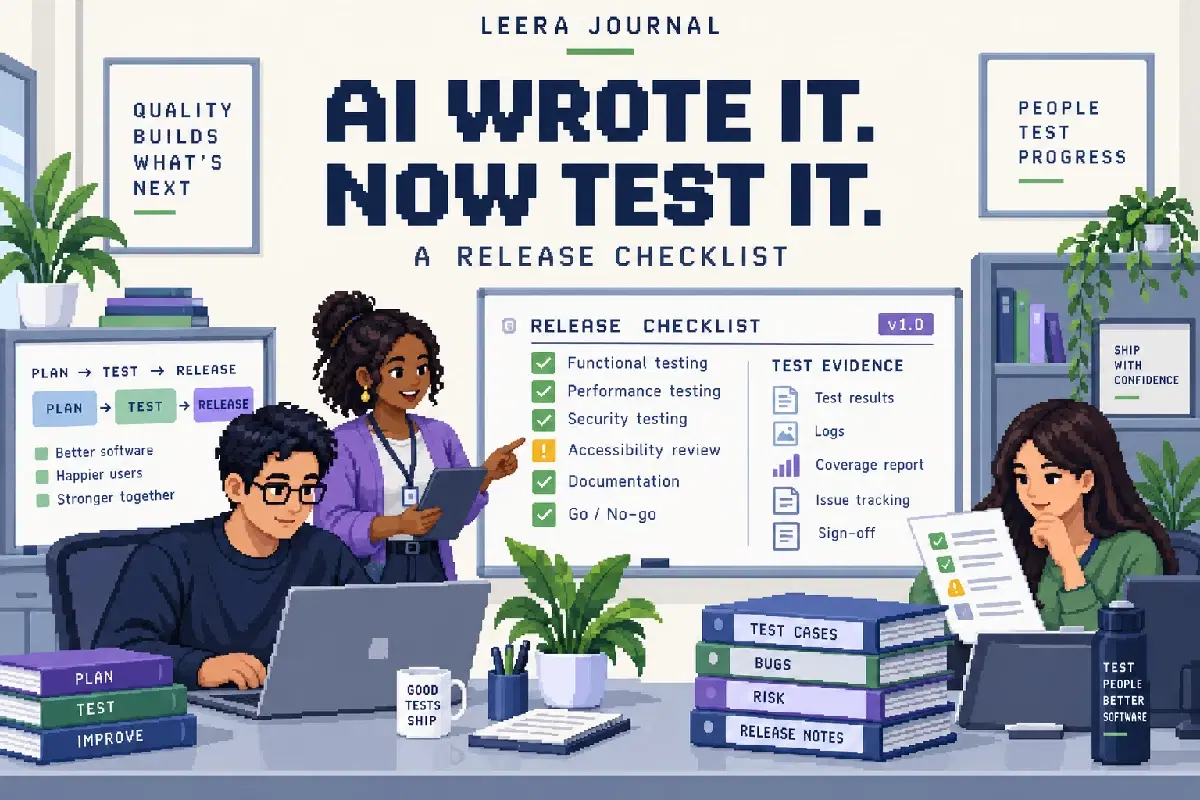
Copy this checklist into the review and attach references as each item is addressed:
- The agreed requirement and exclusions are linked to the change.
- A reviewer checked the implementation and new dependencies.
- Critical permissions, boundaries, and failure paths have meaningful checks.
- The relevant automated checks ran against the candidate build.
- Necessary manual or exploratory checks have recorded results.
- Failed checks have linked defects and appropriate retest evidence.
- Blocked, skipped, and unexecuted checks remain visible with reasons.
- The decision owner reviewed remaining risk and any release conditions.
- The team knows how to identify and respond to the main failure after deployment.
For example, eight passed checks and two unexecuted checks can produce a 100% pass rate when the denominator includes only passed and failed cases. That is not 100% execution coverage. If an unexecuted case concerns cross-project access, the gap may be decisive even though the percentage is green.
Leera’s test-report pass rate uses passed divided by passed plus failed; blocked and unexecuted coverage remain separate. Review the actual case list and risk, then create a report with the intended verdict and reviewers where appropriate. The tool records that decision; it does not guarantee release readiness.
Revisit the evidence when the change moves
A later fix, dependency update, or configuration change may invalidate part of a previous result. Decide which checks need to run again based on the affected behavior. Avoid rerunning everything without a reason, but do not reuse a passing result from a different build without assessing the difference.
After release, watch the outcomes relevant to the change using the team’s existing operational practices. A problem found in production should lead to a reproducible defect, an appropriate regression check, and a clearer understanding of why the original coverage missed it.
Keep that loop connected with Leera’s QA workflow and the requirements traceability template. The objective is a release decision another teammate can inspect: what was intended, what ran, what happened, and what remains uncertain. External source pages were checked on October 11, 2026.
Frequently asked questions
How should we test AI-generated code?
Start with the requirement and risk, review the actual change, and verify successful, denied, boundary, and failure paths at the appropriate layers. Run relevant regression checks against the candidate build and preserve results with their environment and evidence. Apply the same release standards regardless of who or what wrote the code.
Can AI write its own tests?
AI can draft tests, but the reviewer should derive important expected behavior from requirements independently of the implementation. Generated code and generated tests may repeat the same mistaken assumption. Check what each assertion proves, test consequential boundaries, and verify that a representative defect would cause the check to fail.
Does passing automated testing prove an AI change is safe to release?
It proves that the executed assertions passed in their recorded context. It does not prove that coverage is complete, permissions are correct in every context, or the change satisfies the product outcome. Review unexecuted checks, security-sensitive behavior, environment differences, and remaining risks before the release decision.
Can Leera help verify work produced by a coding assistant?
Leera QA can keep test cases linked to Planner issues, select coverage in plans, and record runs with results, evidence, and defects. Compatible configured runners can execute supported automation. Leera AI can suggest cases with a configured provider, and an external MCP client needs the appropriate QA scopes to create or update them. Creating a case alone does not execute a test.
What evidence belongs in a release review?
Include the requirement and change reference, build or commit, environment, selected cases, execution results, relevant logs or screenshots, linked defects, retest evidence, and important checks not completed. Record the decision owner and any conditions attached to accepting the release.