
Your next idea.
A clear path to finished.
Give your own project a place to take shape. Keep notes, choose the next useful task, and work with AI when you need help. Bring the tests and results back to the same workspace, so you can pick up where you left off and know what you checked before shipping.
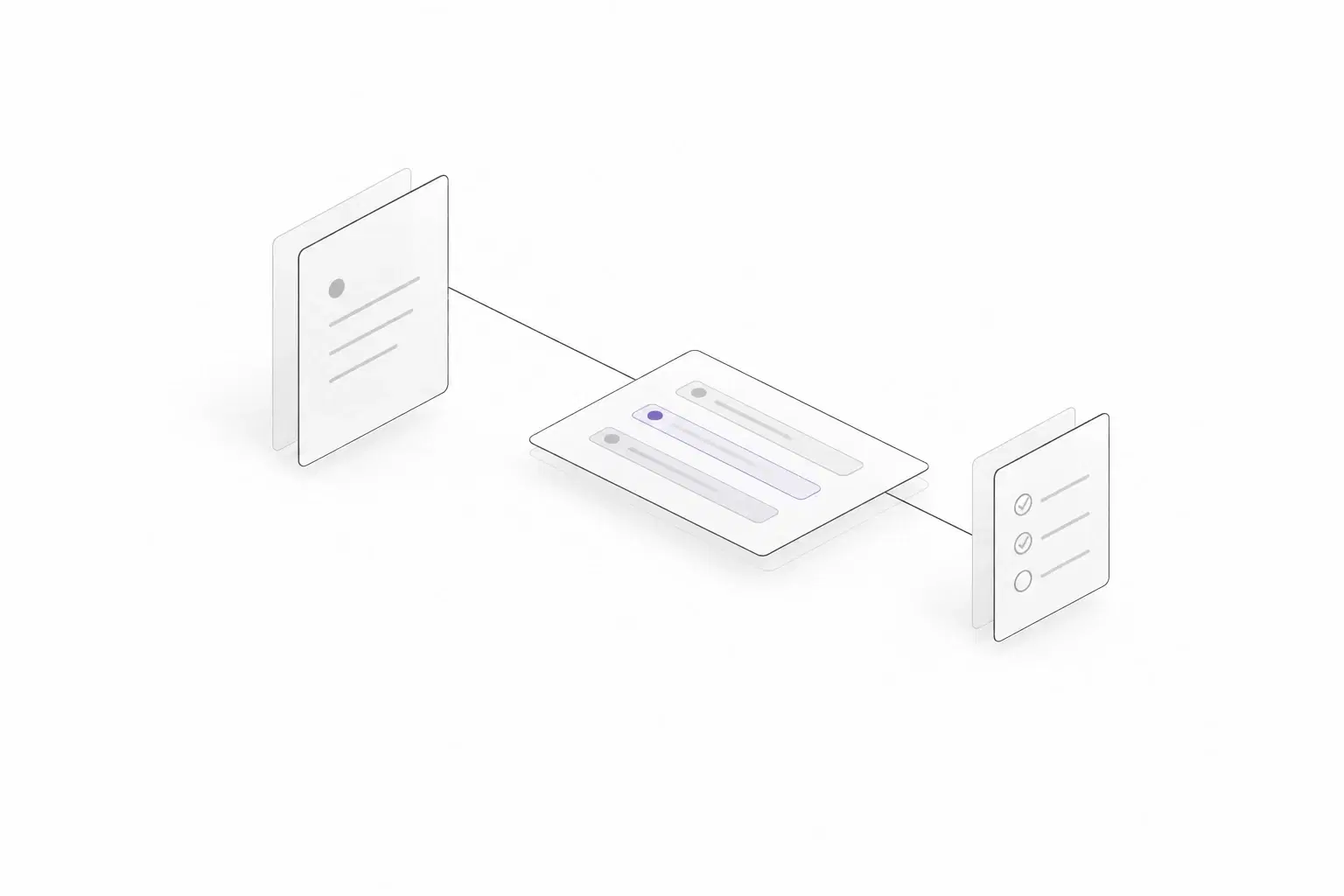
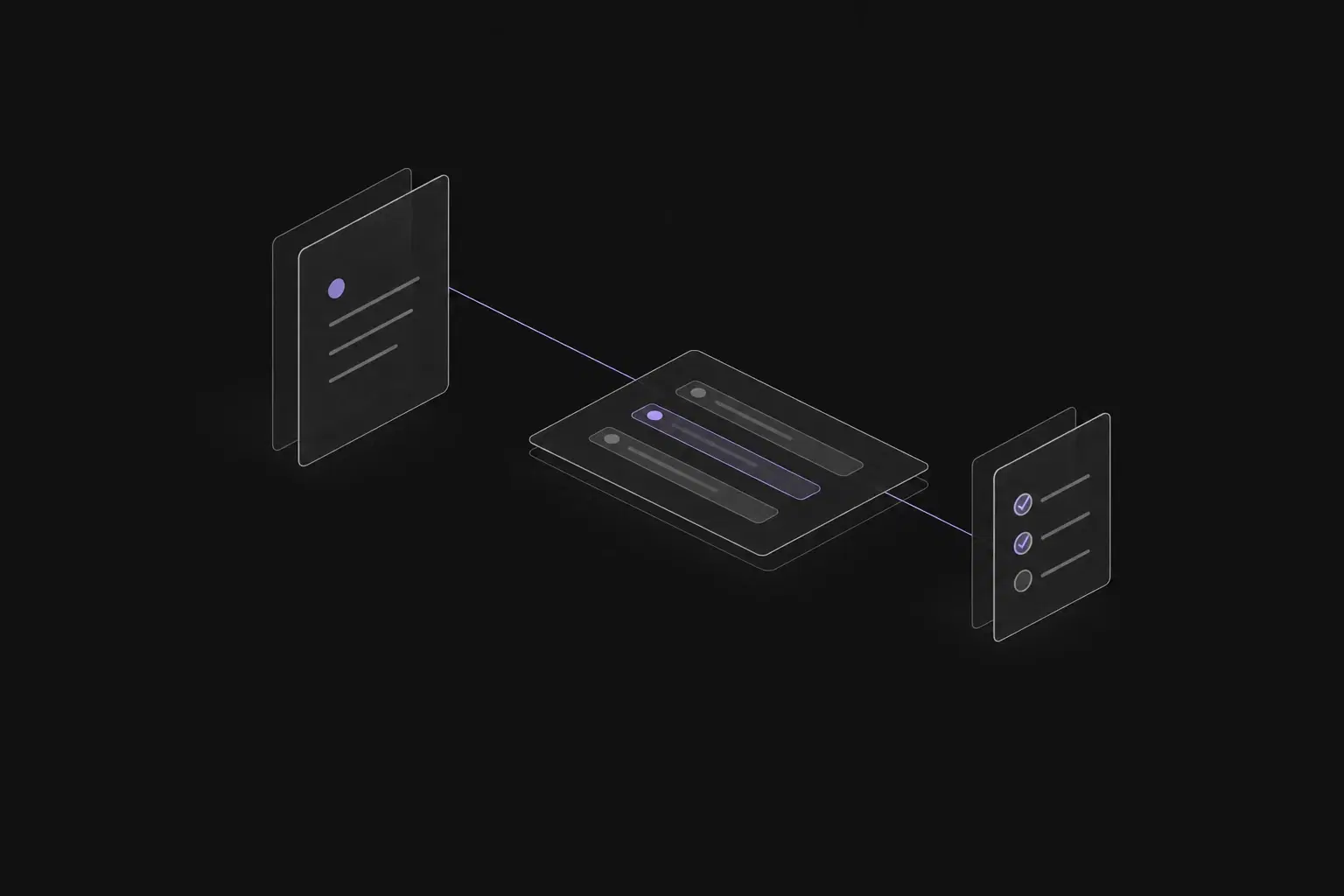
Planner preview · Sample projectExplore Planner
Know what to work on next
Keep ideas in the backlog and choose a small set of active tasks. Leave enough detail to restart without reconstructing your plan.
Keep your thinking findable
Write the reason behind a decision while it is still fresh. Keep useful notes and links beside the work they explain.
Check what you built
Record the expected behavior, run the checks, and keep the evidence. The same discipline helps whether you wrote the change or used AI.
Keep the ideas.
Choose what moves now.
A personal project does not need a crowded process. Capture the work, decide what matters next, and make each task specific enough that you can get started when you have time.
Explore PlannerSeparate ideas from active work
Keep possible improvements in the backlog. Use the board or list to follow the tasks you are working on, with priorities that reflect your current goal.
Make the next task small enough
Break a larger issue into child tasks. Describe the intended result and any dependencies so your next session starts with a useful action.
Plan around the project
Use a sprint when a time-boxed goal helps, or work continuously from the board. Keep the issue details as your reference when the plan changes.
Save the thought.
Find it when you need it.
Your future self needs more than a completed checkbox. Keep the approach, references, and decisions in Documents, then bring the relevant context into the task you are building.
Explore DocumentsA short brief for the idea
Describe the problem, who the project helps, and what a useful first version includes. Keep open questions visible instead of burying them in the task list.
Notes that survive a break
Organize setup instructions, research, and decisions in document collections. Keep links and saved versions so you can understand what changed when you return.
AI help where the work is
Ask Leera AI about the selected project or review suggested subtasks. In a document, select a passage for writing help and compare the suggestion before accepting it.
Build the change.
Keep the check beside it.
Choose the behavior you need to verify before a release. A small set of repeatable cases gives you a clearer picture than relying on the last quick check you remember doing.
Explore QA & TestingWrite down what should work
Create cases for the important paths and link them to your issues. Include a failure case or edge condition when it affects the outcome you care about.
Keep the result and its context
Start a run, record the environment, and mark the outcomes you observed. Attach a screenshot or note when it will help explain a failure later.
Review AI-assisted changes too
Check generated work against your original requirement. Follow a failed check through its linked defect and record the result again after a fix.
Bring the idea.
Shape the next few steps.
Use Leera AI to explore a project question or suggest a smaller breakdown of an issue. Keep the scope yours, check any changes made by enabled tools, and use the result to decide what to do next.
Explore AI for your workAvailable with a configured AI provider.
Break the saved-search feature into small implementation and test tasks.
A draft breakdown to review
Separate saving the search, listing saved searches, and opening a saved result. Add checks for an empty name, repeated saves, and a search that no longer returns results. Confirm the expected behavior before choosing the tasks.
- Check the scope
- Choose the next task
- Review the test ideas
The details you
depend on.
Around every milestone, there is everyday work. Give it a place, too.
A personal backlog
Keep ideas and upcoming fixes together without putting every item into active work.
Notes and decisions
Store the brief, setup instructions, and reasoning you want to find next time.
An assistant with context
Ask Leera AI about your project and review suggested subtasks, charts, and writing.
Your AI tools, connected
Give a compatible external AI client scoped MCP access to the project it is helping with.
Repeatable release checks
Reuse test cases and keep the results from each run with the work they verify.
A deployment that fits
Review cloud plans or operate a self-hosted instance with your own infrastructure and provider setup.
For individuals
Good questions. Clear answers.
Can I use Leera for a project I work on alone?+
Yes. Keep your own issues, project notes, and test results in a workspace. Start with a board or list and add the other workflows when they help. Review the current pricing page for plan and module availability.
Do I need to use sprints or AI?+
No. You can organize work in the board, list, and backlog without using sprints. AI is available when your plan and provider configuration support it; you can also write issues, documents, and test cases yourself.
Can I connect the AI coding tool I already use?+
A compatible MCP client can connect to supported Leera tools through OAuth or a personal access token. Personal tokens default to Planner read access; review OAuth scopes separately and grant the writes your task needs. Actions use your identity, so check the resulting records and revoke access when it is no longer needed.
How should I check a change built with AI?+
Start with the behavior you intended, link test cases to the issue, and record a run with results and evidence. Review generated test suggestions as well as the implementation. Creating a case does not execute it, and a completed issue does not establish that the change passed its checks.

Give your next idea
a place to become real.
Start with the next task. Keep your thinking and the evidence close as you build.