
Build with AI.
Keep the proof.
Keep requirements, AI-assisted work, and test evidence in one workspace. Use Leera AI inside the project and connect external AI tools over scoped MCP access. Give people a clear place to review the changes, check the results, and decide what is ready to ship.
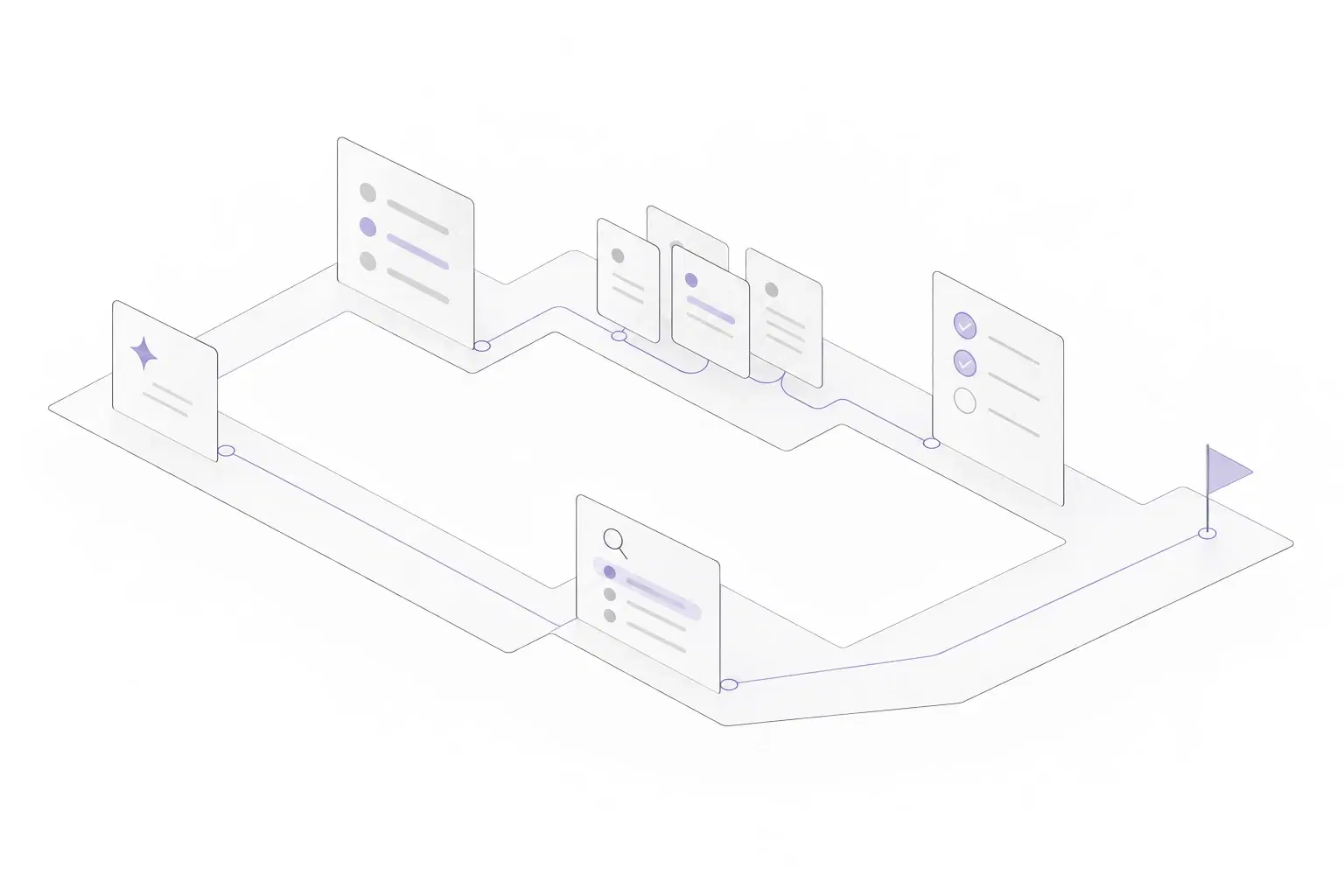
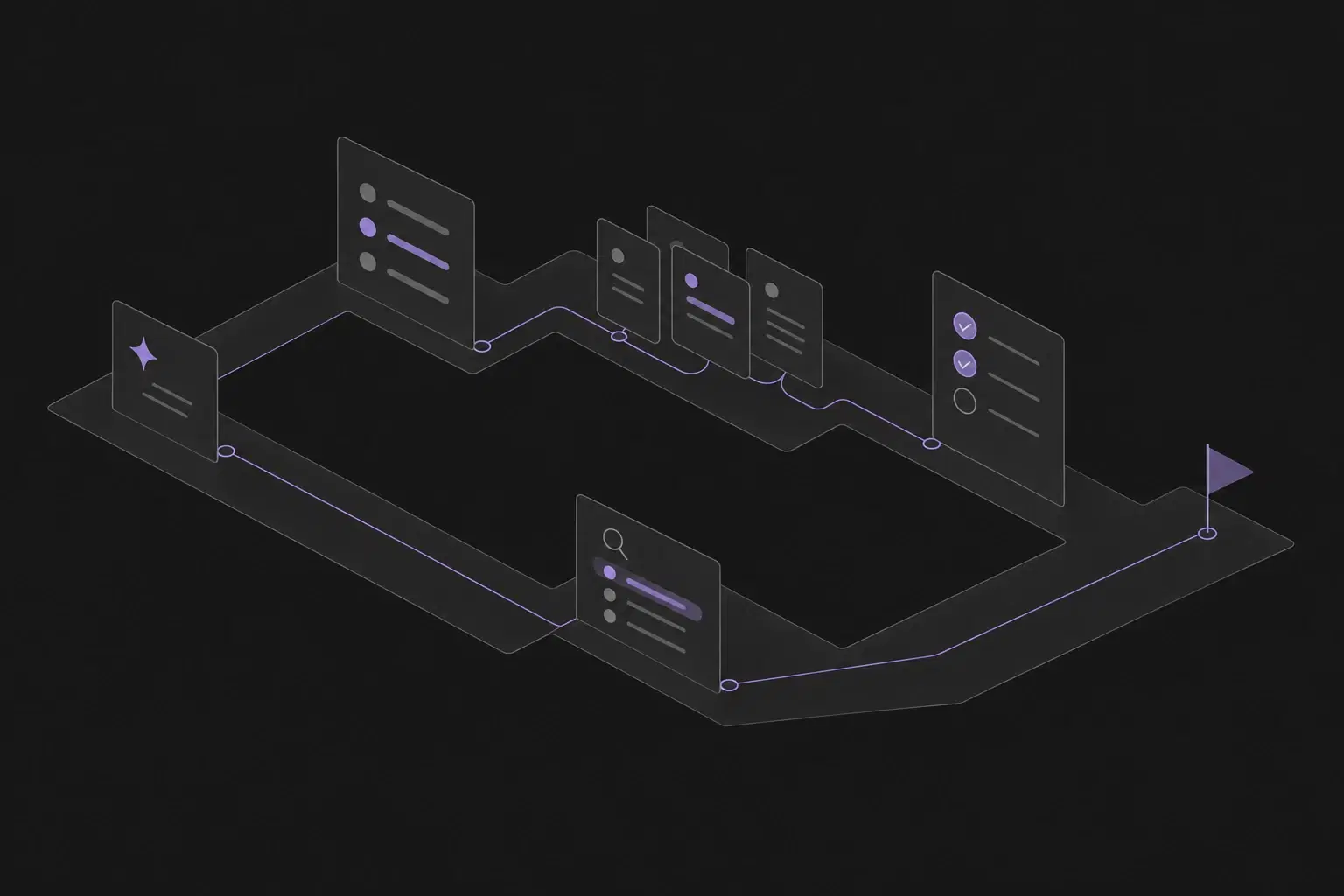
Planner preview · Sample projectExplore Planner
Give AI useful context
Keep requirements, acceptance criteria, and project decisions where connected tools can work with the access you grant.
Keep the work reviewable
Bring issue updates, document changes, and results back into the workspace instead of relying only on the AI conversation.
Make verification part of delivery
Connect the intended behavior to cases, runs, evidence, and defects before a person makes the release decision.
Write what matters.
Make the next step clear.
Start with the behavior you need and the constraints that matter. Keep a brief in Documents and turn the chosen scope into issues that both teammates and connected AI tools can understand.
Explore Leera AIKeep the decisions with the plan
Record the product goal, important constraints, and open questions. Reference the brief from the issues so the reason behind the work stays available during implementation.
Review the proposed breakdown
Use Leera AI to help shape project issues, sprint tickets, or subtasks. Check assumptions, choose the scope, and keep a person responsible for the outcome.
Define how you will verify it
Write acceptance criteria before implementation. Decide which test cases and evidence will help you distinguish a completed task from a working change.
Bring AI into the project.
Choose the access it gets.
MCP lets compatible external AI clients read and change supported workspace records. Connect a client, check a familiar issue, and grant the project and tool access needed for its task.
Explore MCP ServerStart with the right scope
Personal access tokens default to Planner read access. Review OAuth scopes separately, limit projects where appropriate, and enable only the writes the workflow needs.
Bring the result back to the work
With the required permissions, connected clients can update issues, post comments, create or edit documents, and work with QA cases and results. Inspect the saved records after the task.
Keep identity and responsibility clear
MCP actions use the connected person’s identity. Authorized writes can change records directly; there is no approval gate before every action. Review the result and revoke unused access.
Check the behavior.
Decide with the evidence.
AI can help produce the implementation and the test draft. Your team still needs to check both against the requirement and review the results before a release decision.
Explore QA & TestingConnect coverage to the requirement
Review case suggestions from Leera AI or cases created through MCP. Keep meaningful steps, expected results, and issue links, then select the release coverage in a plan.
Record what actually happened
Keep environment context, outcomes, notes, and evidence in each run. Native automation needs compatible, configured runners; verify the setup and inspect a representative run before relying on it.
Keep the release decision with people
Follow failures through linked defects and rerun the affected checks after a fix. Review blocked and skipped coverage alongside passes, and record the remaining risks and next actions.
Ask for the next step.
Keep the review yours.
Leera AI works inside the project, while MCP connects external AI clients to scoped tools. Start with a clear request, inspect any changed records, and treat generated test ideas as proposed coverage to review.
Explore AI for your workAvailable with a configured AI provider.
Suggest test coverage for the issue that lets users revoke an invitation.
Candidate checks for your review
Check that an authorized person can revoke the invitation and that the revoked link no longer grants access. Consider a link already accepted and a request from someone without permission. Confirm the intended behavior for each case before saving the procedure.
- Check the acceptance criteria
- Review the proposed cases
- Record execution evidence
The details your
team depends on.
Around every milestone, there is everyday work. Give it a place, too.
A plan people can own
Keep issue owners, priorities, relationships, and acceptance criteria visible as work moves.
A shared source of context
Write briefs and decisions in Documents; scoped MCP clients can create and update documents too.
Scoped external AI access
Connect compatible clients over MCP with the permissions and project restrictions their tasks need.
Test evidence with the work
Connect cases, plans, run results, and defects to the changes your team is reviewing.
Recurring task configuration
Configure Leera AI Agents with objectives, tools, and schedules, then inspect execution history. Execution depends on the deployment and agent setup.
Your model and infrastructure
On self-hosted instances, choose supported providers or compatible local endpoints and review where model requests go.
For AI-native teams
Good questions. Clear answers.
How are Leera AI, scheduled agents, and MCP different?+
Leera AI is the assistant inside your workspace. Leera AI Agents provide objective, tool, and schedule configuration with execution history; execution depends on deployment, agent setup, permissions, and the provider. MCP connects external AI clients to supported Leera tools under granted access. In-product chat and agents do not create or update documents through tools; scoped MCP clients can.
Do AI tools become workspace members or wait for approval?+
Connected MCP clients act under the person who authorized the connection or created the token; they are not separately assignable agent teammates. A permitted write can change a record directly, without a Leera approval gate before every action. Choose scopes deliberately, review the resulting records, and keep a person responsible for each issue.
Can connected AI tools prepare and run automated tests?+
Supported MCP tools can create cases, validate and save automation scripts, list runner pools, and queue automated items in a run. Execution requires compatible, configured runners, enabled platforms, the right scopes, and a test environment. Check a representative run and its evidence before relying on automation. Cases without scripts remain pending for a person.
Can we choose where the workspace and AI requests run?+
Choose cloud or self-hosted deployment according to your needs. Self-hosted instances support provider configuration for OpenAI, Anthropic, Gemini, Vertex AI, and compatible local endpoints. Model requests go to the configured endpoint, which may be external. Review your plan, model capabilities, network path, and provider data terms before sending project context.

Build the next release with AI.
Bring the evidence with it.
Keep the direction, the work, and the checks in one workspace your team can review.