
Bring your own model / Self-hosting / AI project management
Bring your own model for project management: setup, cost, and data
Plan a BYOM project management setup: choose a provider, check where project data goes, test real workflows, and calculate cost per accepted result.
At a glance
Bring your own model means choosing the provider, endpoint, and credentials used for AI work. In self-hosted Leera, an instance administrator configures these in AI settings. Evaluate the full workflow, including project context sent to the provider, tool behavior, review time, and operating cost. A working connection is the beginning of that evaluation.
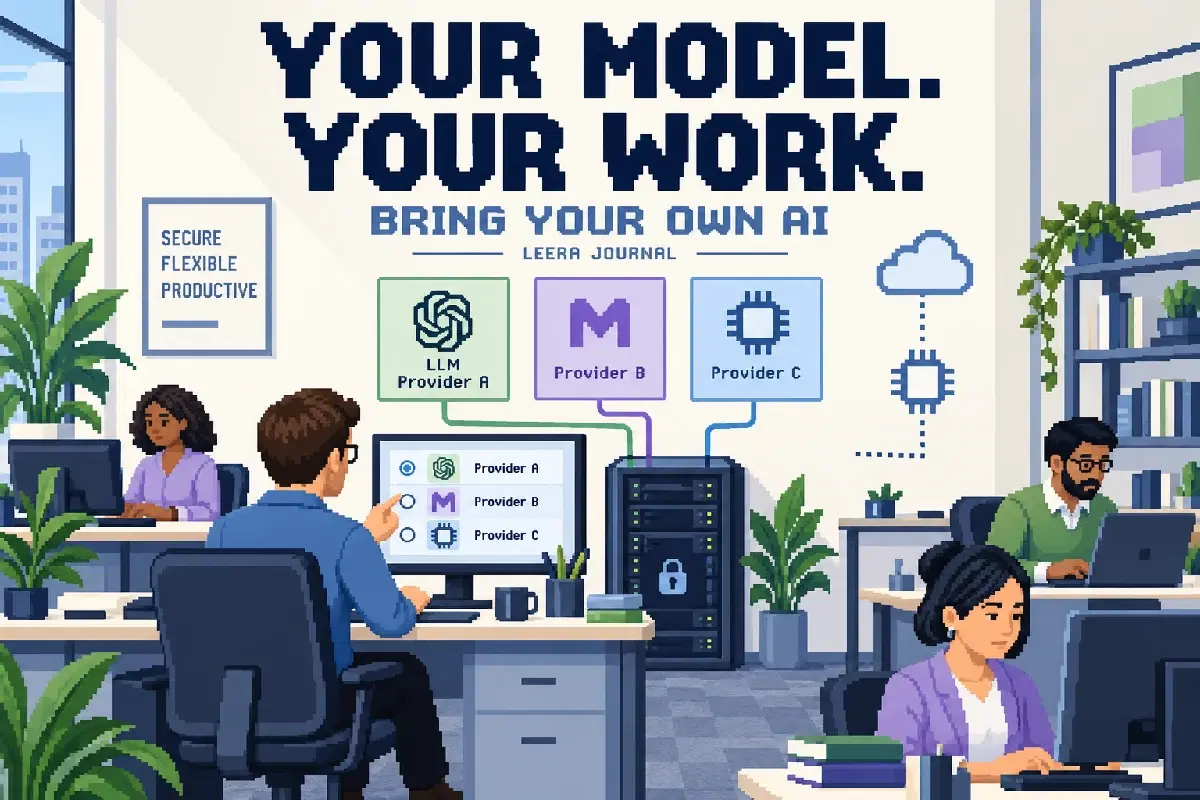
Bring your own model, or BYOM, lets a team choose the model provider used by an application. For project management, that choice affects how issues, documents, and conversations become AI context, which tasks the assistant can perform, and what the team pays to obtain a useful result.
The practical question is whether a particular configuration can complete your work accurately within your data and cost constraints. This guide uses a hypothetical weekly sprint review to show how to evaluate that question. The calculations and pilot design are examples, not Leera customer results or current provider prices.
Separate the application, model, and connected client
Three decisions are often compressed into “our AI setup.” Keeping them separate makes troubleshooting and procurement easier.
| Decision | What you choose | What it does not establish |
|---|---|---|
| Application hosting | Where the project management application runs | Where an external model processes prompts |
| Built-in AI provider | Endpoint, credentials, and model used by the application | Whether the model handles your tools reliably |
| External AI client | Assistant connected to workspace tools, for example through MCP | Whether it uses the application’s provider settings |
Self-hosted Leera and bring your own model address the first two decisions. An external MCP client has its own model and data arrangements. Configuring a local model for Leera does not reroute that client’s requests.
BYOM also differs from bring your own cloud. A cloud deployment describes infrastructure ownership and operation. A model may be a paid external API, a service in your cloud account, or a compatible endpoint on your network. Buying or hosting one does not automatically configure the others.
Draw the data path before choosing a model
Write down what a real task sends and receives. For a sprint review, the path might be: a user asks a question, Leera assembles relevant project context, the configured provider processes a request, and the application displays an answer or handles a requested tool action.
The data may include issue descriptions, comments, owners, and dates. Identify which of those fields the task actually needs. An aggregate status summary should not require copying an unrelated private document into the prompt.
Record the endpoint operator, allowed data categories, retention arrangements, and any additional services involved. Review logs and monitoring as well as inference. “We host the workspace” is incomplete if project text still travels to an external endpoint.
Provider terms are specific to the service and configuration. For example, Google Cloud’s data retention documentation describes conditions and controls that need to be considered for the services it covers. Check the applicable account and feature terms; do not generalize one provider’s statement to every AI route.
For a local deployment, confirm which model is loaded and where inference runs. A familiar local address or a product’s ability to run local models is insufficient evidence that every selected model stays local.
Define the job and its acceptance criteria
Use a task the team already understands. Our example asks for a weekly summary of unresolved blockers in one sprint. A useful answer must identify the correct issue keys, report recorded owners, distinguish confirmed blockers from unanswered questions, and avoid changing records.
Prepare a small evaluation set with ordinary and awkward cases:
- A blocked issue with a clear owner and recent explanation.
- An issue labeled blocked whose latest comment says the dependency is resolved.
- A reopened issue that an older update describes as finished.
- An issue with no owner or enough evidence to explain its status.
- A similar issue outside the selected sprint that should be excluded.
A reviewer should establish the expected interpretation before seeing the model’s answer. Otherwise, a fluent explanation can influence what the reviewer starts treating as correct. Keep the sample synthetic or approved for the destination provider.
Configure a provider on a test instance
Self-hosted Leera’s instance administrator manages provider settings. The configuration applies across workspaces on that instance, so use a test instance for a new provider where possible. Adding a provider can affect model selection: a newly added provider receives the highest priority.
The supported provider types are OpenAI-compatible, Anthropic, Google Gemini, and Vertex AI. Choose the appropriate type, enter the endpoint and model identifiers available to your account, supply the required credentials, and run the connection test. Vertex uses a Google service account configured on the deployment.
Check reachability from the backend’s environment. A local endpoint reachable from an administrator’s laptop may not be reachable from the application container. In a container, a loopback address refers to that container; it does not automatically refer to the host machine running a model. Have the operator configure a deliberate private network route and authentication appropriate to the endpoint.
API format compatibility is a starting point. Ollama’s compatibility documentation explicitly describes support for a subset of the OpenAI API and distinguishes local-server and cloud usage. Confirm the exact operations needed rather than treating “compatible” as a promise of identical behavior.
Test the workflow after the connection succeeds
A connection test helps detect unusable credentials or an unreachable model. It does not establish that sprint selection, project interpretation, or tool calls work correctly.
Run the same evaluation tasks with each candidate configuration. Save the prompt, model identifier, date, relevant configuration, output, and reviewer observations in a project document. Use the same source records so differences are meaningful.
| Check | Evidence to inspect | Reason to stop the pilot |
|---|---|---|
| Record accuracy | Issue keys, owners, and dates match the source | Invented or wrongly attributed facts |
| Scope | Every included issue belongs to the requested sprint | Unexplained out-of-scope records |
| Uncertainty | Missing information is explicitly identified | Guesses presented as confirmed blockers |
| Tool behavior | Requested read or write completes as intended | Unexpected mutations or incorrect targets |
| Recovery | A timeout or refusal is reported clearly | Success claimed without a saved result |
Start with a read-only task and permissions that support it. If the intended workflow includes writes, test one reversible change on a disposable record and read it back. Leera’s dedicated suggestion flows offer review before selected changes, while chat and agents can use enabled tools directly; do not assume every interface has the same approval step.
Calculate cost per accepted result
Token cost is only one component. Include hosting, repeated requests, tool rounds, review effort, and corrections. For a local model, include allocated machine cost, operation, and capacity planning even when there is no invoice per request.
Consider this invented example, using an assumed accounting currency of USD:
| Input for 100 completed summaries | Illustrative value |
|---|---|
| Total billed input, including retries | 800,000 tokens |
| Total billed output, including retries | 100,000 tokens |
| Assumed input price | $2 per million tokens |
| Assumed output price | $8 per million tokens |
| Review time | 4 minutes per accepted summary |
| Internal review cost assumption | $30 per hour |
Model charges would be $1.60 plus $0.80, or $2.40. Review would take 400 minutes and cost $200 under that assumption. The combined amount is $202.40, or about $2.02 per accepted summary, before application and infrastructure costs. These numbers illustrate the method; substitute measured usage and the applicable provider rates.
If a cheaper model needs two extra review minutes per summary, that adds $100 across the same 100 summaries. Compare the finished workflow with your current process, including the work required to prepare context. A cheaper first draft may not be a cheaper completed task.
Make provider changes a controlled operating task
Record who owns credentials, who can change the configuration, and how a previous working setup will be restored. Keep secrets out of issue descriptions and shared evaluation documents. Store enough non-secret configuration to reproduce a result.
Repeat the representative checks after a model, endpoint, tool configuration, or important workflow change. A provider may continue answering ordinary questions while a tool-dependent workflow becomes unreliable. Also inspect usage after rollout; retries or scheduled activity can change the economics of an otherwise successful pilot.
Agree on conditions for narrowing or stopping use, such as recurring factual errors or an unresolved data-handling question. This keeps a pilot from becoming permanent simply because people have started depending on it.
Start with one useful project task
Choose a bounded task, a small set of records, and a reviewer who can judge the result. Compare quality and total effort before expanding access. Then keep the accepted workflow and its operating owner visible to the team.
Explore Leera’s provider configuration and AI workspace features to choose the first workflow. If your assistant runs outside Leera, use the MCP setup guide to evaluate that separate connection. Provider reference pages linked in this article were checked on October 11, 2026.
Frequently asked questions
What does bring your own model mean in project management?
It means the workspace can use a model provider and endpoint you configure instead of relying only on a vendor-selected AI service. It does not necessarily mean you trained the model, own its weights, or run it locally. Provider credentials, model capabilities, data terms, and application permissions remain separate decisions.
Which providers can self-hosted Leera use?
Instance AI settings support OpenAI-compatible endpoints, Anthropic, Google Gemini, and Vertex AI. An instance administrator configures provider details and model names, then tests the connection. Vertex uses the deployment’s Google service account. Verify the selected endpoint and model against the actual workflow, especially tool use.
Does self-hosting Leera keep all AI data local?
No. Model requests go to the configured provider, which may be outside your network. A compatible local endpoint can keep model processing on your network, but the complete data path also includes connected AI clients, integrations, logs, and other deployment services. Check those paths and provider terms before using sensitive project context.
Is bring your own model cheaper?
It depends on usage, provider prices, infrastructure, and the time needed to review results. Compare cost per accepted task, including retries and corrections. A lower token price can still produce a more expensive workflow if the team spends longer checking and repairing its answers.
Does changing Leera’s provider also change an external MCP client’s model?
No. Leera’s provider configuration governs its built-in AI workflows. An external AI client connected through MCP has its own model, credentials, and data handling. Review the client and the Leera connection’s permissions separately.